Room Reservation guidelines
Students can reserve group study rooms in the ADA Library according to the following guidelines:
Small Group Study Rooms
- Locations: L201, L203 (2nd floor), L301, L303 (3rd floor)
- Capacity: 2–6 students
- Maximum booking time: 90 minutes
- Booking limit: Each student can create up to 2 reservations per week
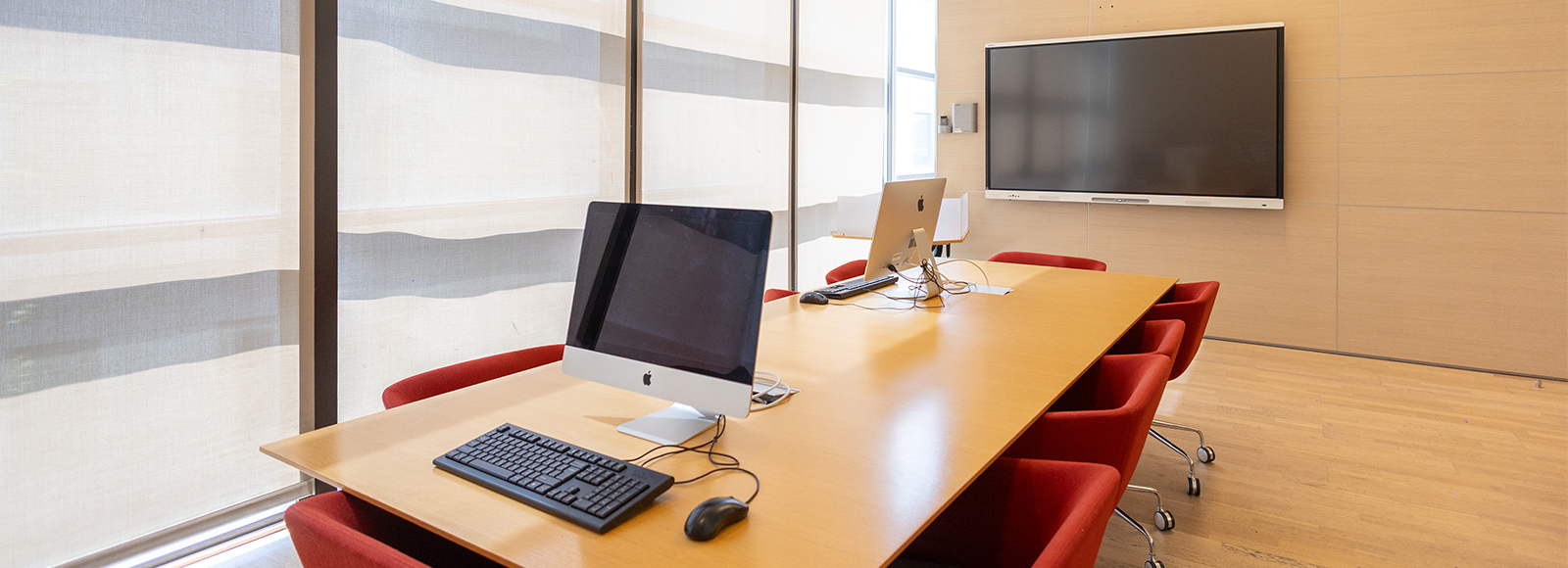
Facilities in each small study room:
- 1 whiteboard
- 1 desktop computer
- Table and chairs
Seminar Rooms
- Location: L202, L302
- Reserved by faculty and staff only
- No time restrictions
Facilities in L202 and L302:
- Smartboards
- Desktop computers
- Table and desk
- Chairs
How to Reserve a Room:
- Reservation requests by students can be made no more than 24 hours in advance.
- Students can reserve rooms for a maximum of 90 mins period, twice a week.
- Go to the ADA University online room reservation page.
- Log in with your Campus/MyADA credentials.
- Select the L building and the desired room.
- Choose the date and double-click on the calendar.
- Leave at least a 5-minute gap between reservations.
- Fill in all required fields, including:
a) Event type
b) Number of participants (minimum 2)
c) Room number
- Click Create/Update to confirm your reservation.
- The rooms No L202 & No L302 can be reserved only by Faculty and Staff.
- To open the reserved room, you can take the room card at the Library circulation desk.
 Azerbaijan